
Version 0.5 लिपि · script, writing · Linux
A LaTeX editor where co-authors write together, with no server.
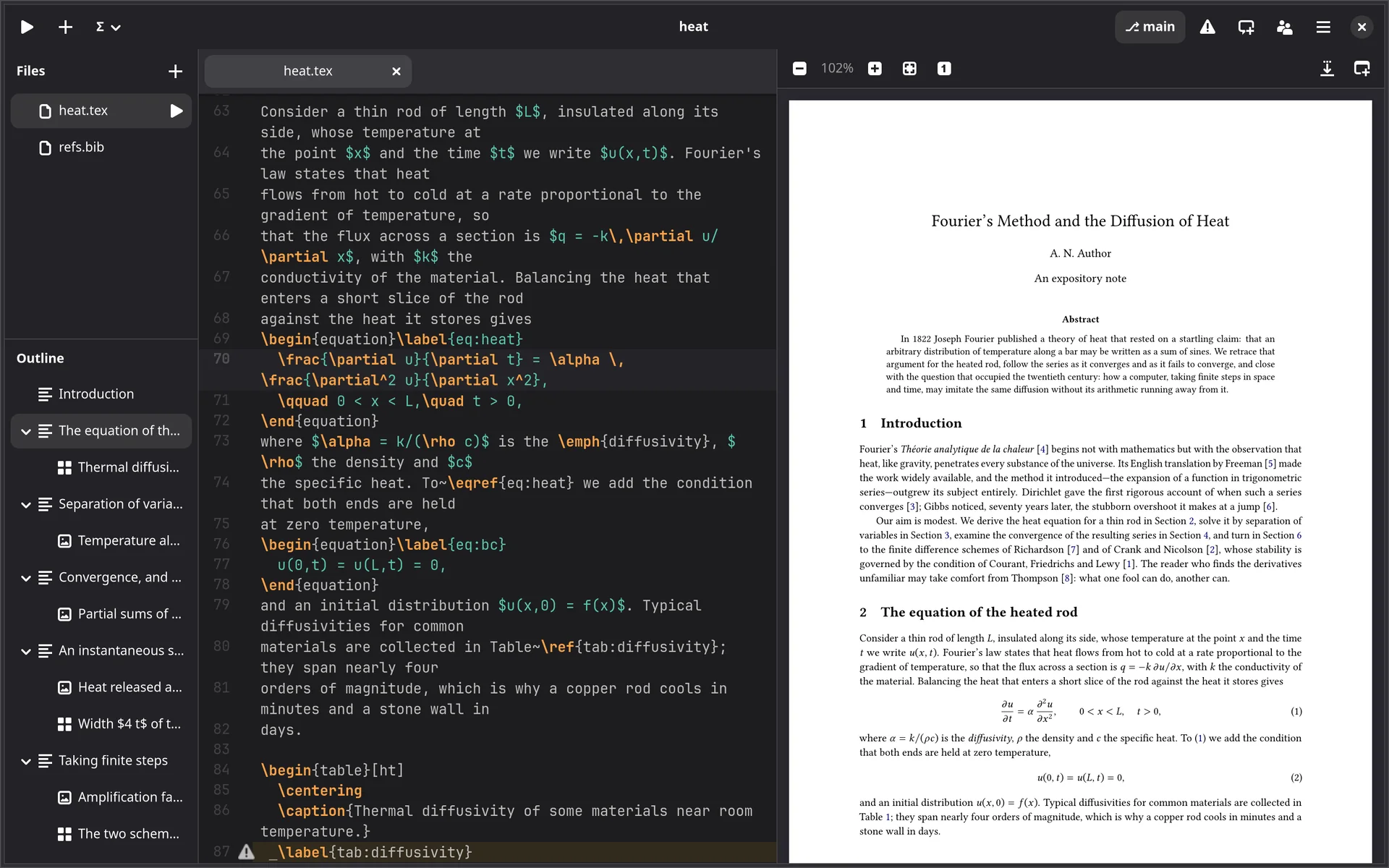
Lipi is a native LaTeX editor: the source and the PDF side by side, rebuilt
whenever you pause. Several people can write the same project at once, peer to peer,
with no server and no account in between. The files on disk stay plain .tex.
What Lipi does
Six pages, each with screenshots of the program at work on a short article and a lecture deck written for this site.
Writing
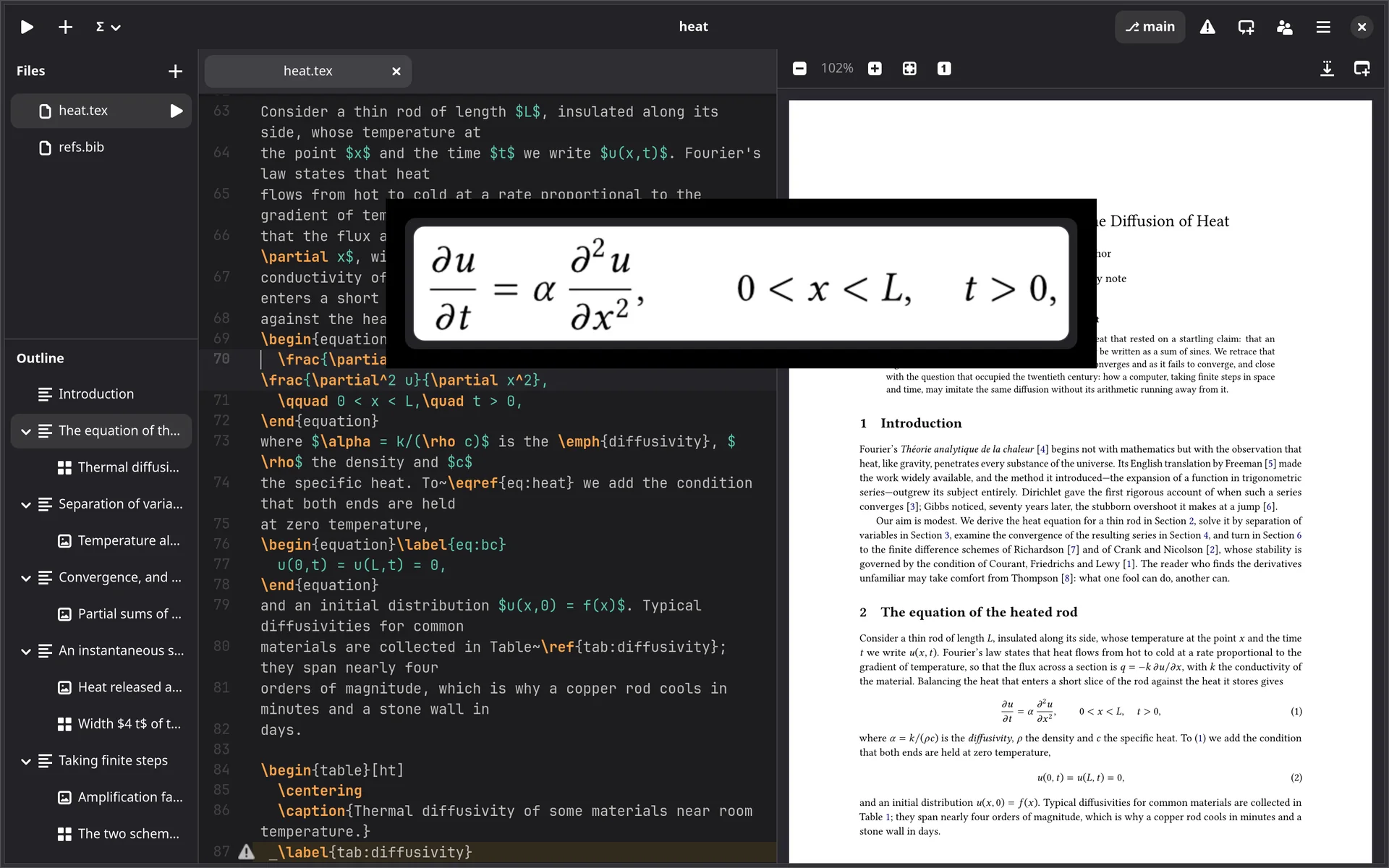
Completion of environments and citations, maths shown typeset on hover, tables edited as a grid, templates to start from.
Writing →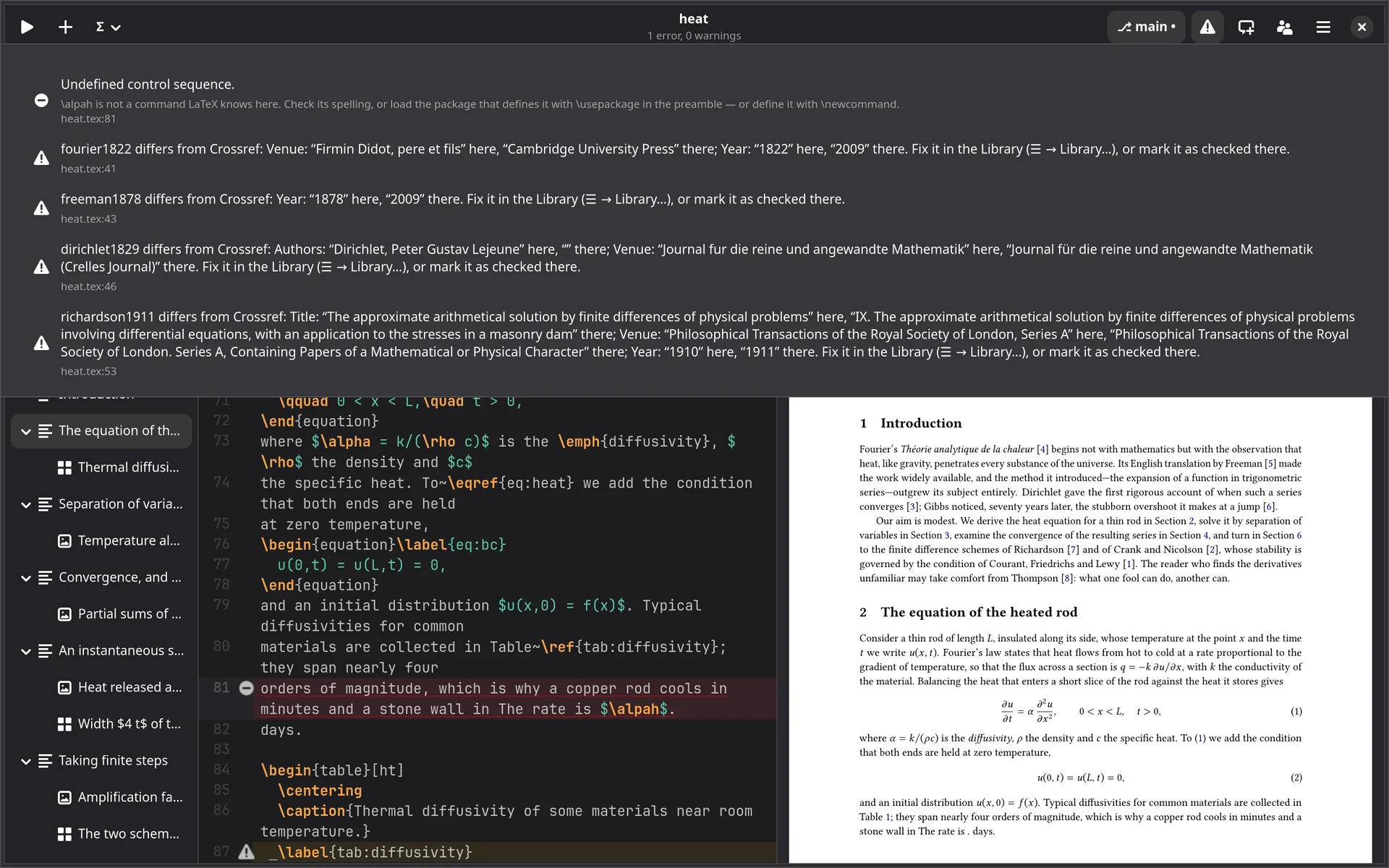
Building
Built as you pause with your own TeX, errors explained in plain words, and a jump between source and PDF either way.
Building →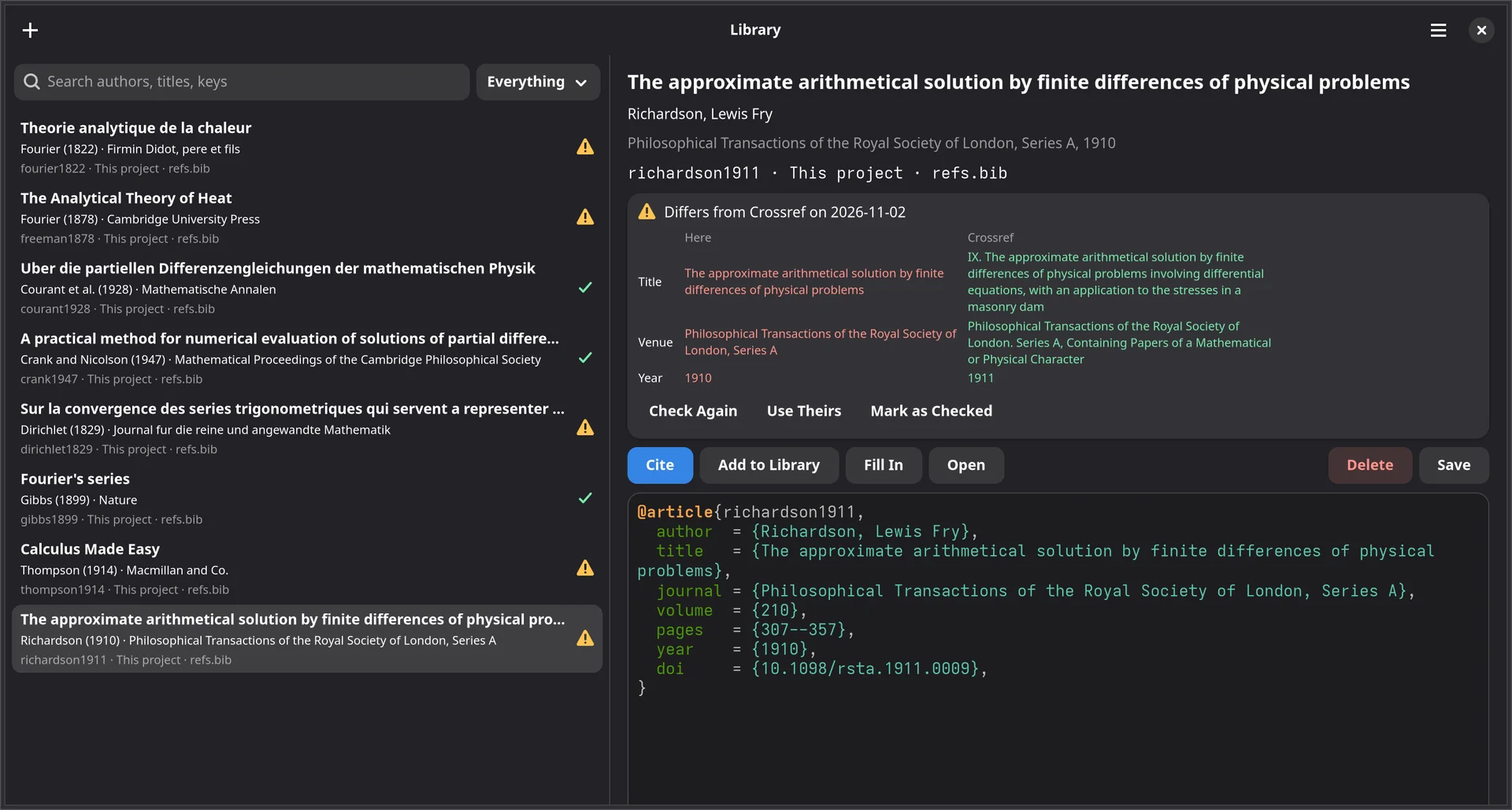
References
A library across projects, entries added from a DOI, and every reference checked against the published record.
References →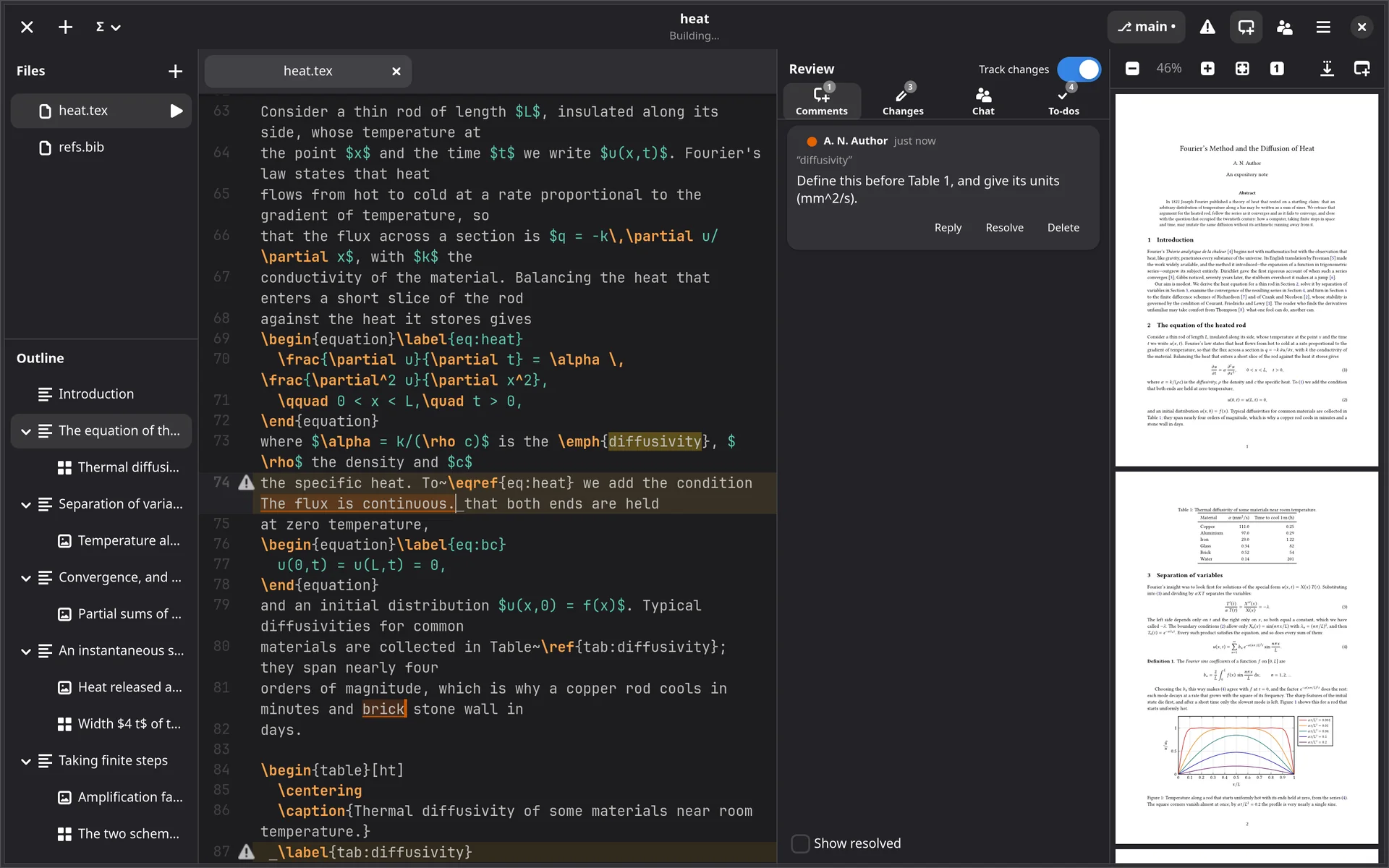
Review
Comments, tracked changes and to-dos, kept in the project and following the text as anyone edits it.
Review →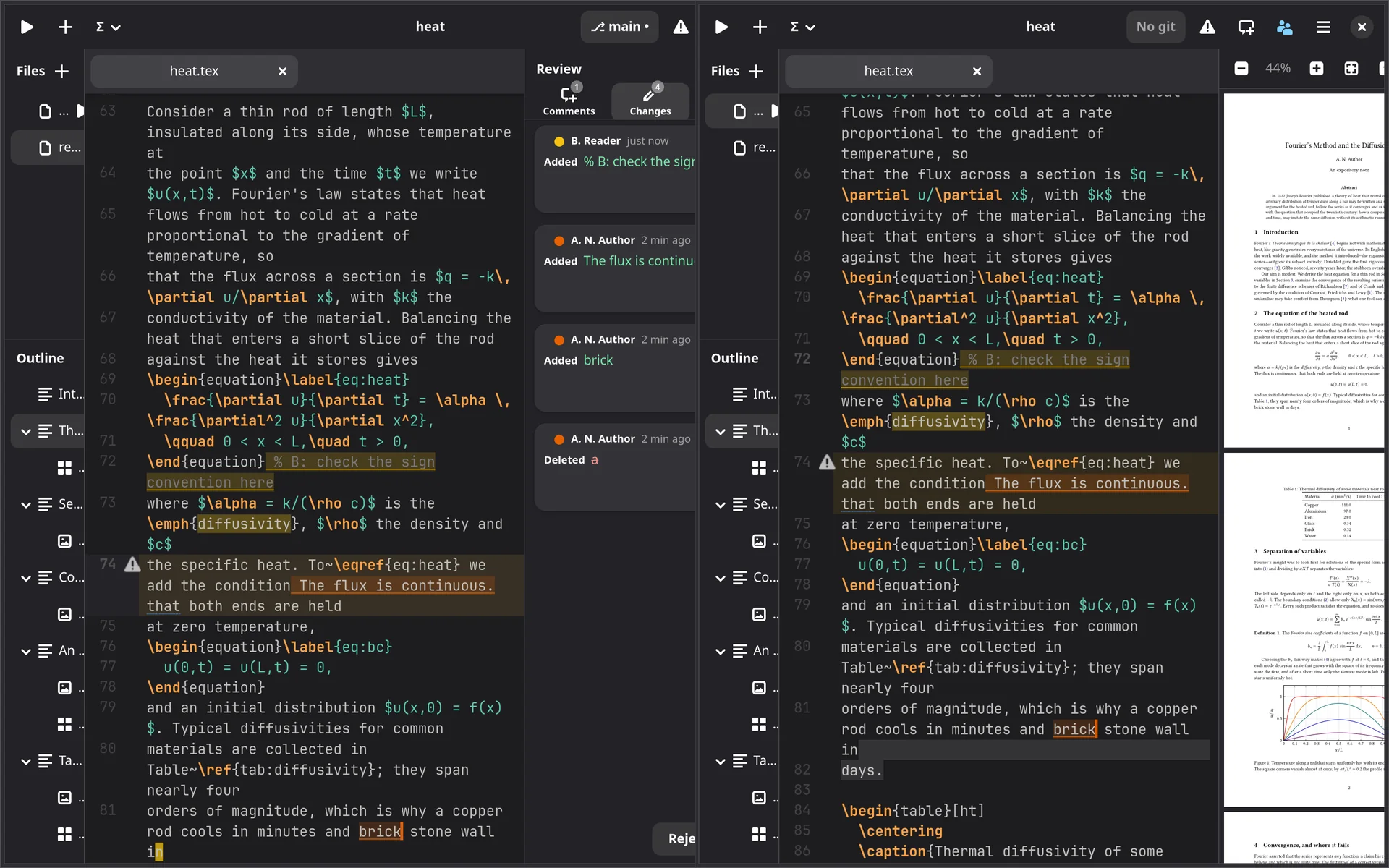
Collaboration
Write at the same time, peer to peer, or apart and merge through git without conflict markers. History you can restore.
Collaboration →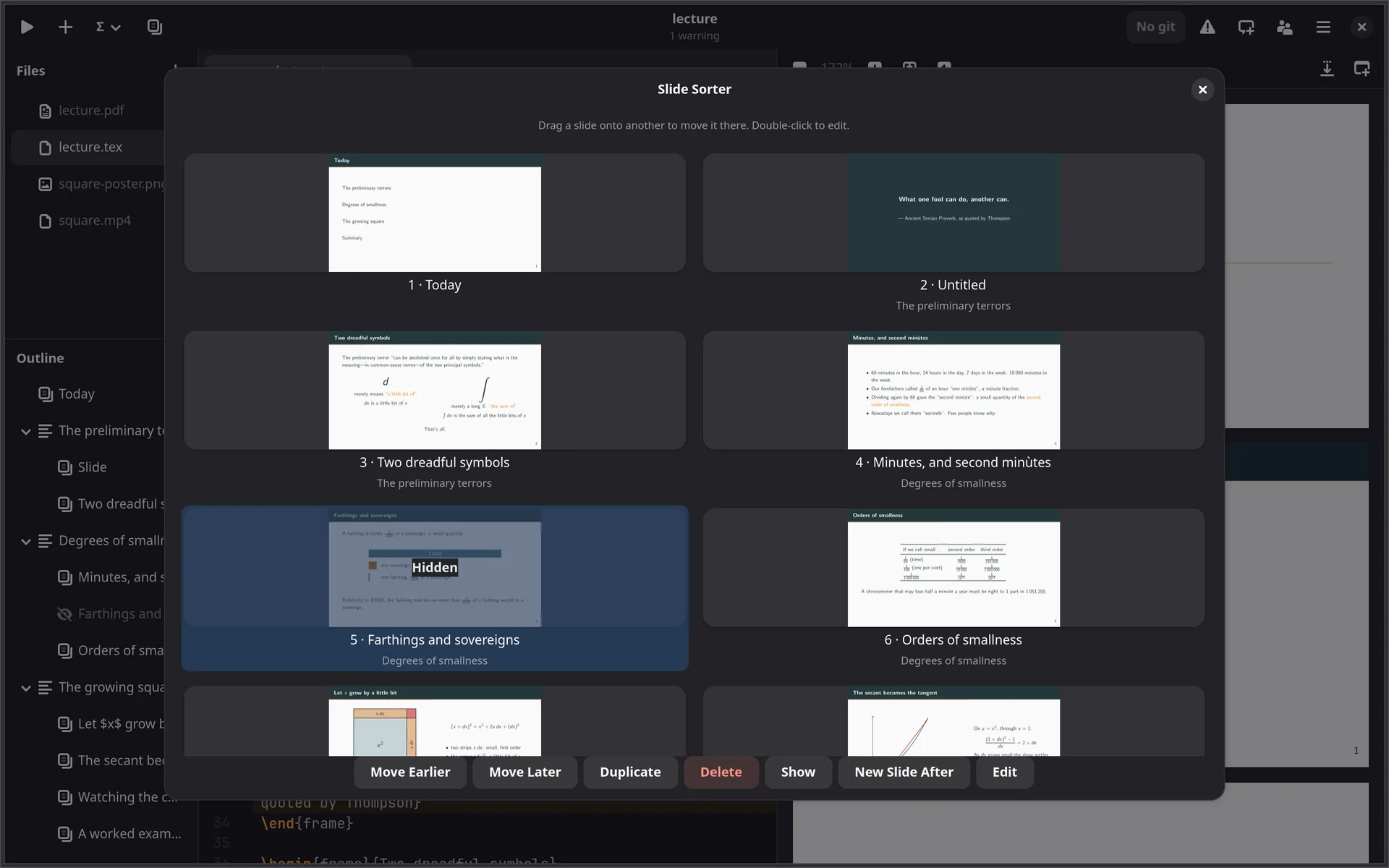
Slides
For Beamer: a slide sorter, new slides from layouts, hidden slides and presenting full screen.
Slides →Plain files, always
A Lipi project is a directory of ordinary files. Behind it, the project is also a CRDT
document, kept in .lipi/, which is what lets several people edit at once
and merge without conflicts. But every file is saved back as plain text, so the same
project opens in any other editor, builds with latexmk and lives in git.
Changes made outside Lipi, by another editor, a git pull or a sync tool,
appear as they happen, merged with whatever you typed meanwhile.
Lipi builds with your TeX distribution: latexmk when it is
installed, otherwise the engine and biber or bibtex directly.
heat/
    heat.tex            plain LaTeX
    refs.bib            plain BibTeX
    heat.pdf            built by your TeX
    .lipi/
        state.loro      the shared document and its history
        tabs            this machine's open tabs
Keys
A selection. Every shortcut can be changed in Preferences → Shortcuts, and the same key means the same thing in Sulekha.
| Ctrl+Return | Build now |
| Ctrl+J | Show the cursor’s place in the PDF |
| Ctrl+click in the PDF | Show that place in the source |
| F12 | Go to definition |
| Ctrl+Shift+F | Find in project |
| Ctrl+. | Close the open environment |
| Ctrl+Shift+V | Paste as table |
| Ctrl+Alt+M | Comment on the selection |
| Ctrl+Shift+E | Track changes, on or off |
| F8, Shift+F8 | Next, previous error |
| Ctrl+Shift+L | Slide sorter |
| F5 | Present full screen |
Get Lipi
Lipi runs on Linux. Downloads open with the first public release; until then, write to us for early access.
Free for good
After the thirty-day trial, Lipi stays a complete LaTeX editor.
- Editing, highlighting, tabs and the file tree
- Building, with the error list and gutter marks
- PDF preview with forward and backward search
- The outline, find and replace
- Completion and environment snippets, spell check, comment toggling
- Plain git
With a licence
Everything, as during the trial.
- Collaboration without a server, merging through git, history and restore
- Comments, tracked changes and to-dos
- The reference library, citation metadata and checking against the published record
- Grammar, ChkTeX and label checks
- Slide tools: the sorter, presenting, outline editing, page sync
- latexindent, the table and figure editors, snippets of your own
A project written during the trial stays openable afterwards, by Lipi’s free
tier, by any other editor, by latexmk and by git. The shared document is an
addition to your files, never a container around them.