Lipi · Building
Built as you pause, explained when it fails
Lipi builds with your own TeX distribution, by itself, a moment after you stop typing. The PDF reloads in place. When the build fails, the error is marked where it happened and, for the common ones, said in plain words.
Errors in plain words
Errors and warnings are listed, underlined in the source and marked in the gutter, and
they follow the text as you keep typing. The common ones are explained, with what
usually fixes them: an undefined command named, a $ missing, an
& outside a table.
- F8 and Shift+F8 step through the errors.
- Rest the pointer on an underline or a gutter mark for the message.
- The raw log is a click away, and so is a rebuild from scratch.
- Bad boxes are reported if you ask for them.
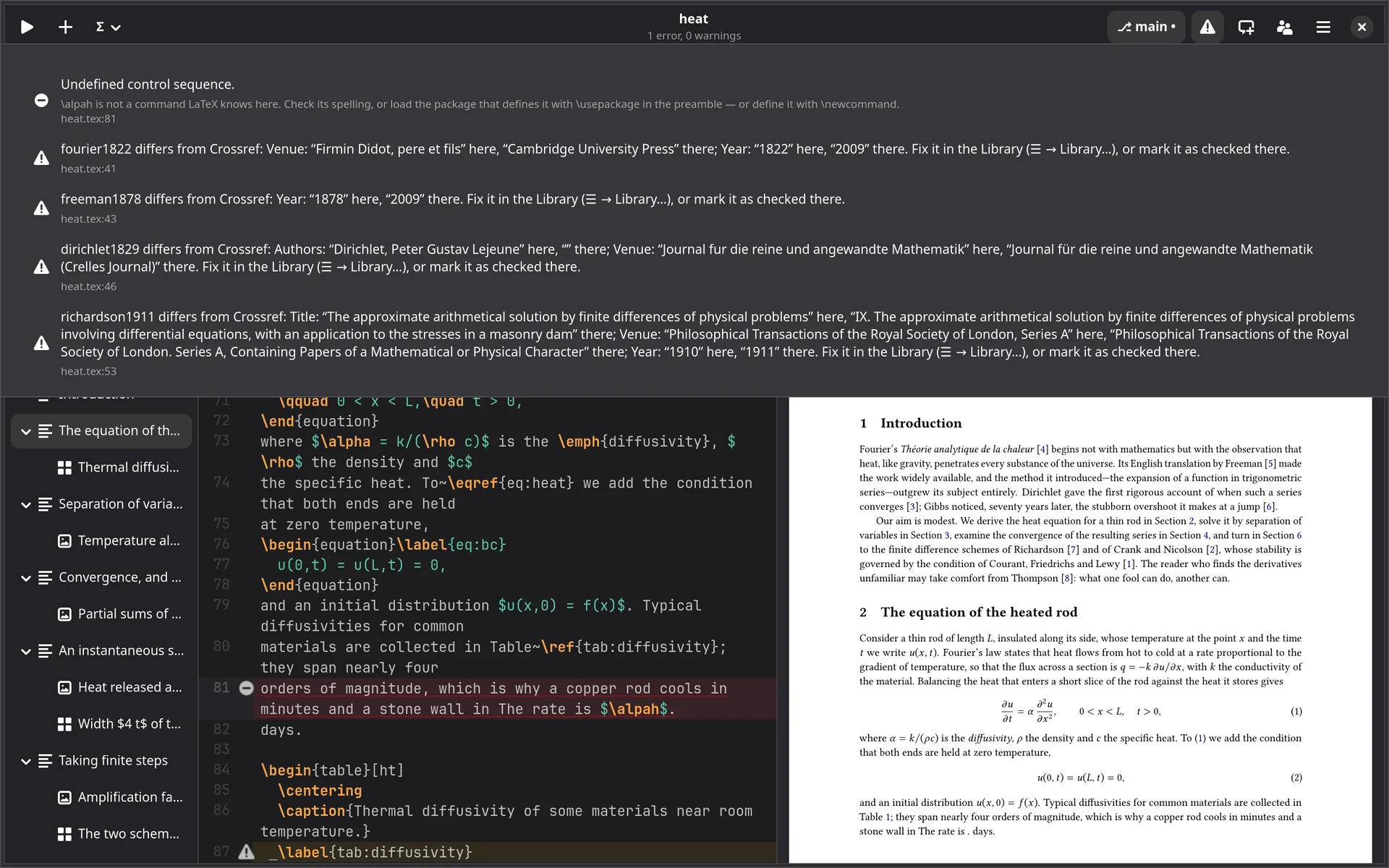
\alpah: the line marked in the source, and the error
explained rather than quoted.From the source to the PDF, and back
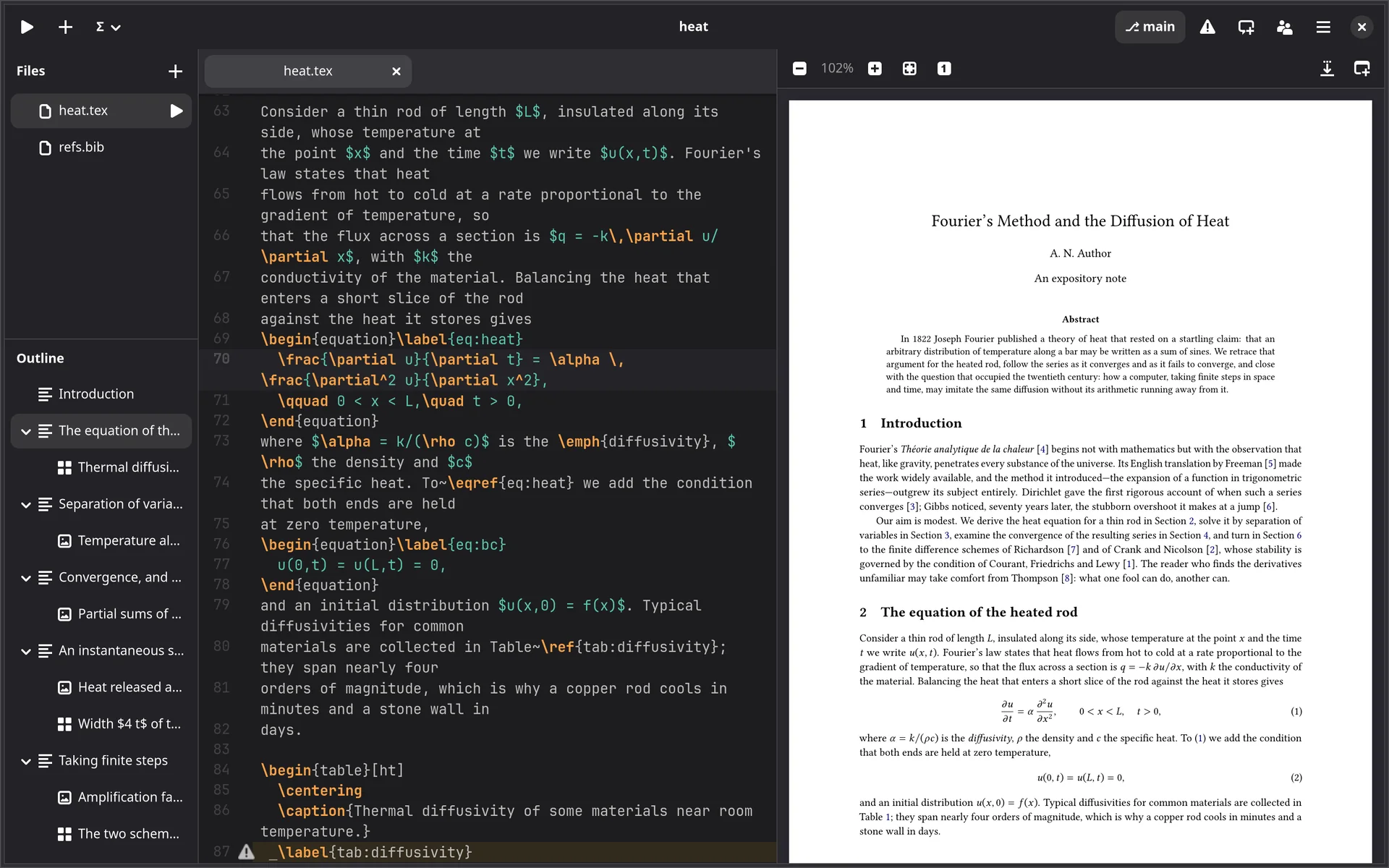
Ctrl+J turns the PDF to the place the cursor is in; a
Ctrl+click in the PDF puts the cursor on the line that made it, opening
another \input file if need be. This is SyncTeX.
- Optionally, the source shows where each page begins: a rule across the editor with the page’s number. Scroll the source onto another page and the PDF turns with it.
- The preview is Sulekha’s page view. Animations made with
animateand video embedded withmedia9play in it; click a video to start or stop it. - Open in Sulekha to mark the PDF up or present it, export it, or keep a copy beside the main file.
Your TeX, used the way you would use it
latexmk, or the engine
latexmk when it is installed;
otherwise the engine and biber or bibtex directly.
The engine from the file
% !TEX program = xelatex
picks the engine; so does the menu.
Builds that stop
Ctrl+Shift+. stops one, and a build stops by itself after a time limit.
Shell escape when asked
For minted and friends:
per project, and only after asking you.
When to build
As you pause, after a delay you choose, on opening, or only on Ctrl+Return.
Edits from elsewhere
Another editor, git pull or a
sync tool: changes appear as they happen, merged with what you typed meanwhile.
Building, the error list, gutter marks and the PDF preview with forward and backward search are free in every tier.