Lipi · Review
Review the way co-authors do
Comments on a passage, changes tracked with who and when, a chat and a list of everything still to do. All of it lives in the project itself, so it follows the text as anyone edits it and goes wherever the project goes.
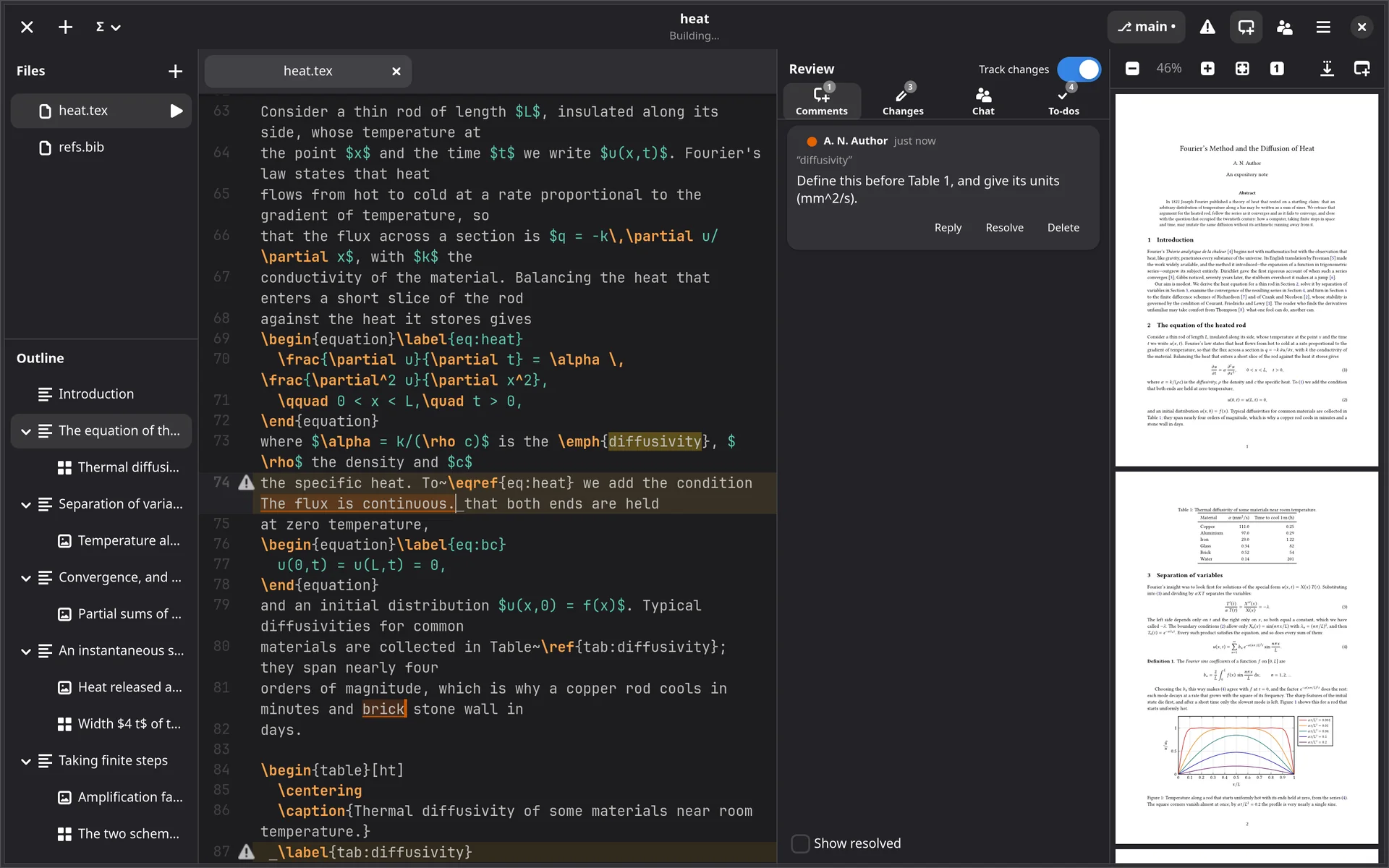
Comments on a selection
Select some text and press Ctrl+Alt+M, or right-click and Add Comment…. The comment is anchored to the text, not to a line number, so it stays on its words as the paragraph around it is rewritten.
- Reply, resolve and reopen; resolved comments are hidden until you ask for them.
- A chat for the project’s people, on the same panel.
Tracked changes
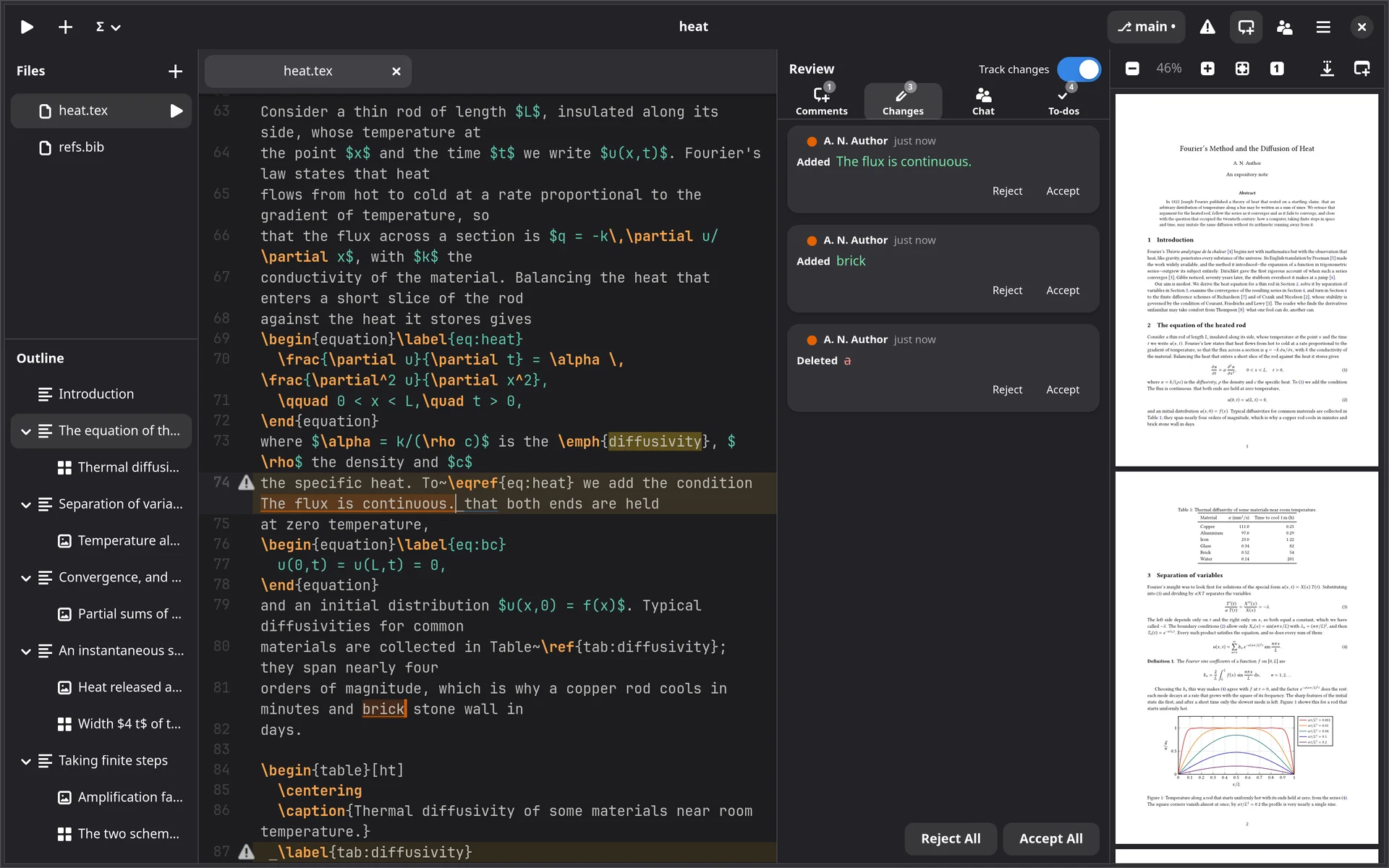
Ctrl+Shift+E turns tracking on for everyone on the project. Insertions are shaded in their author’s colour, deletions are a bar where the text was, and resting the pointer on either says who and when.
Accept or reject them one at a time from the Changes list, or all at once.
Every to-do in one list
Ctrl+Shift+T collects every \todo{…},
\missingfigure, fixme note and % TODO, FIXME,
XXX or HACK comment in the project, each a click away from
its line.
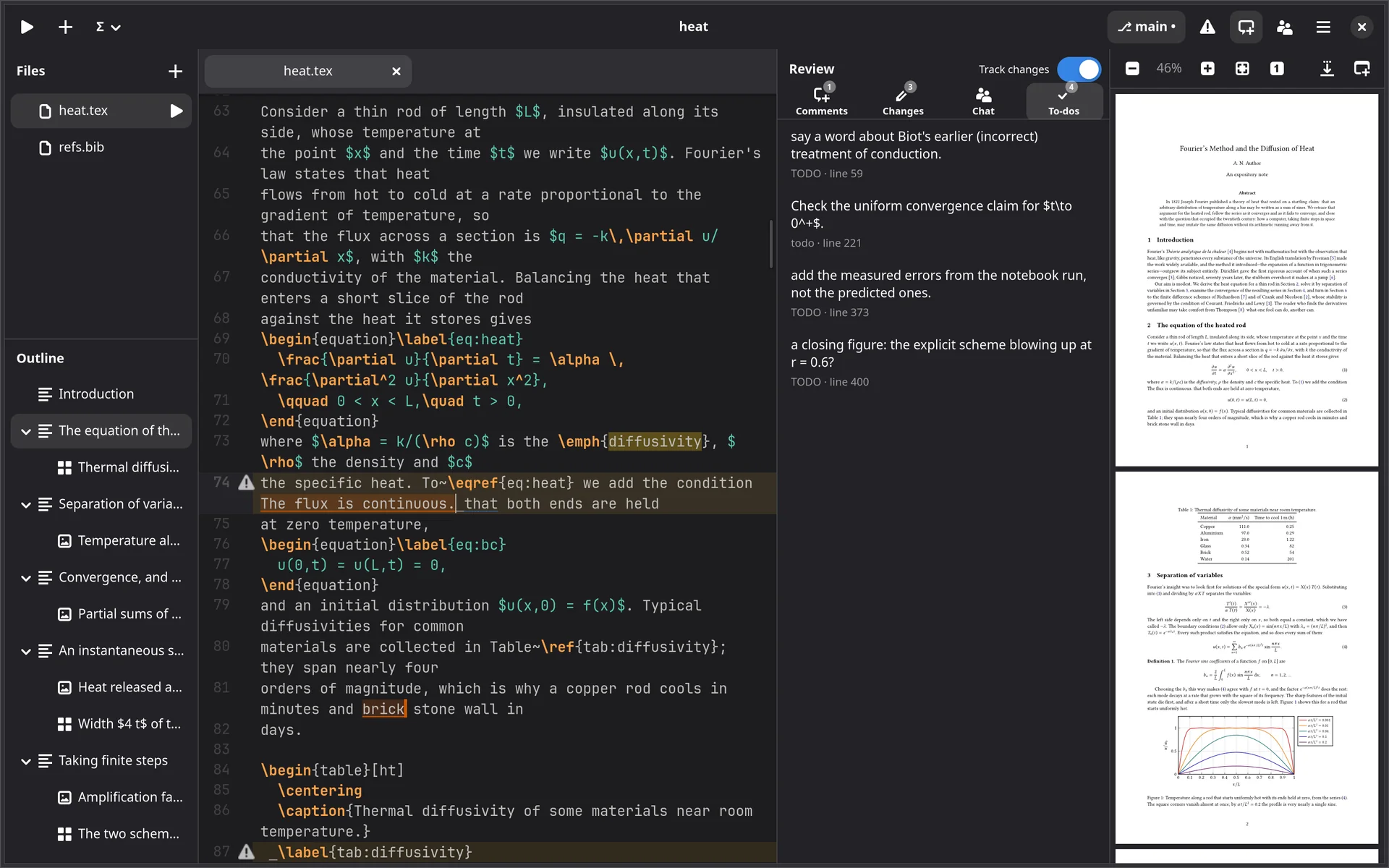
% TODO comments and a \todo{} from the article.Comments, tracked changes and to-dos travel to everyone on the project, and through git with the files. They come with a licence.