Sulekha · Annotating
Ink on the page, kept in the PDF
Marking papers, grading, keeping notes on what you read. A stylus draws with pressure, a mouse draws at full width, and everything you write is saved into the document itself as annotations other readers can show.
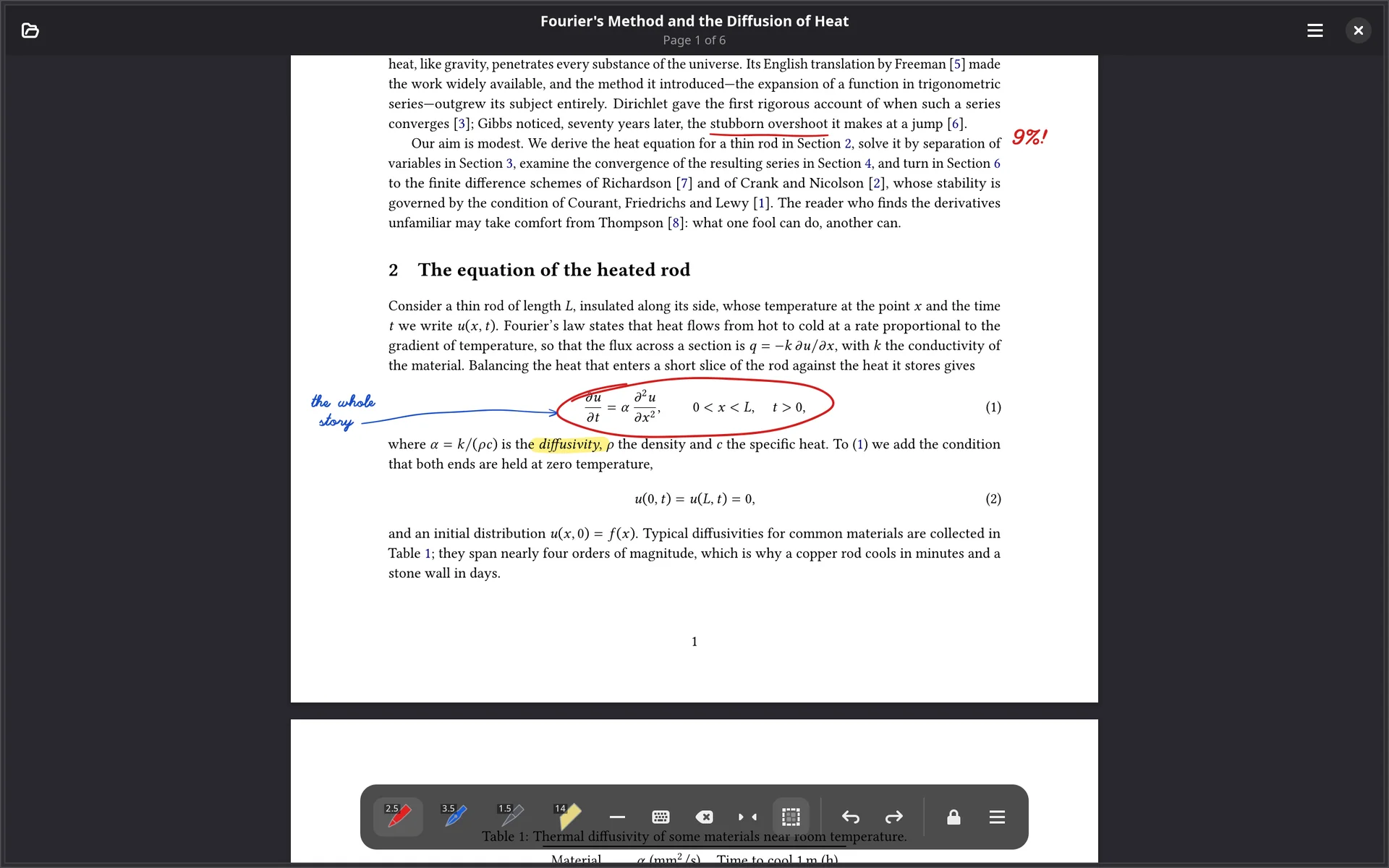
Four instruments, each a whole pen
A slot is an instrument: kind, nib, width and colour together, so picking one is a single click rather than three. Each slot’s icon is the instrument itself, drawn in its own colour with its width in the corner. Right-click or long-press a slot to change it.
- The nib decides what pressure means. A ballpoint varies a little, a felt tip barely at all, a pencil strongly and lighter on the page; a fountain nib is broad across and fine along, and thinner the faster it travels.
- Smoothing is adjustable: steadier handwriting at the cost of a little lag.
- The pointer hides while a stylus is in use, because an arrow sits just where you are trying to look.
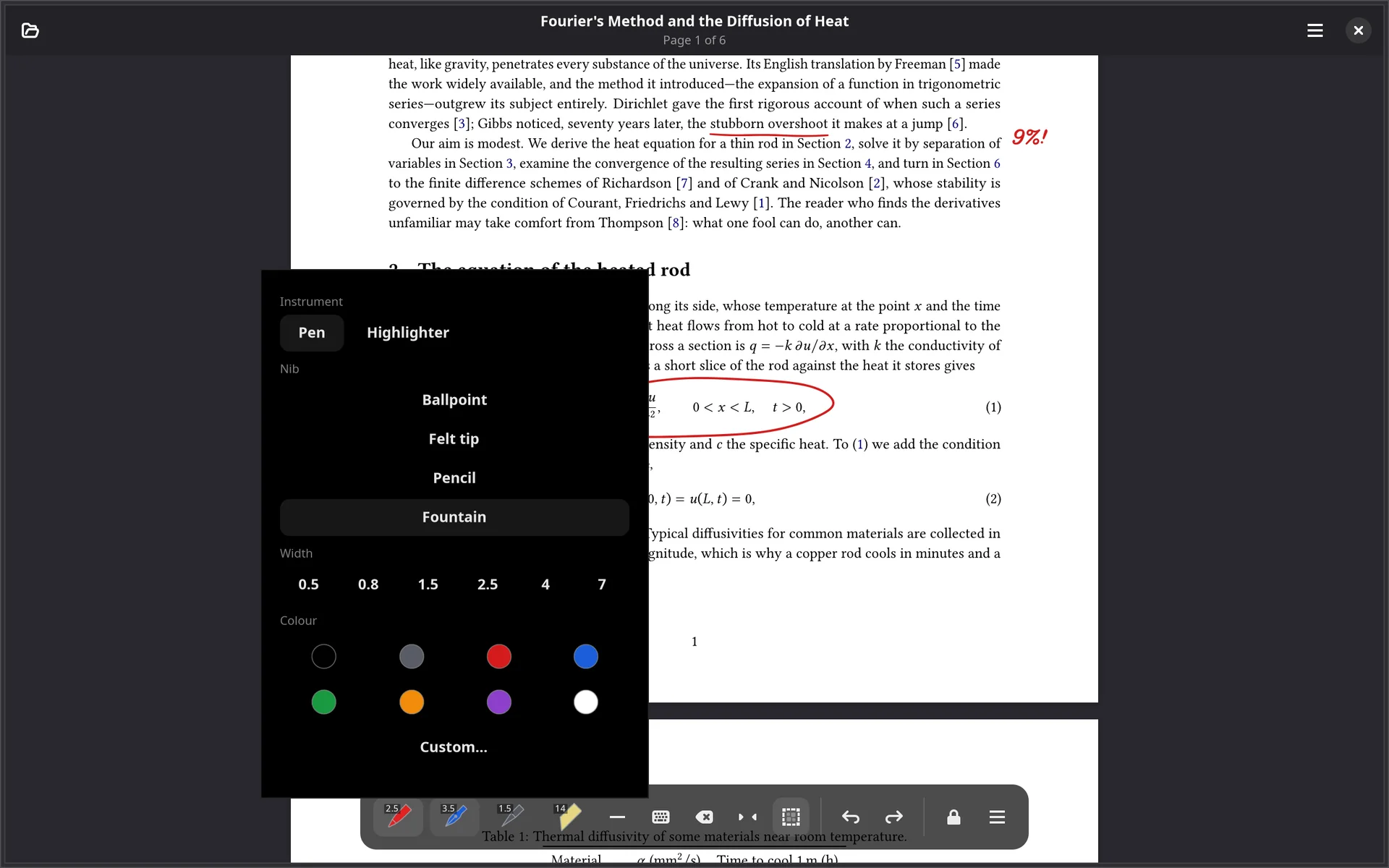
Highlighting that leaves the text black
Highlighter ink is blended by multiplying, so black text stays black however strong the highlight and only the paper takes the tint. For a dark slide deck, where multiplying darkens instead, turn off Highlight Behind Text.
- Text-snap highlights: select words and press Ctrl+Shift+H. The result is a real PDF highlight that other readers list and can delete.
- Shapes: line, arrow, rectangle and ellipse, with whatever pen is in hand.
- A lasso to move or resize ink, and an eraser that can rub out part of a stroke instead of all of it.
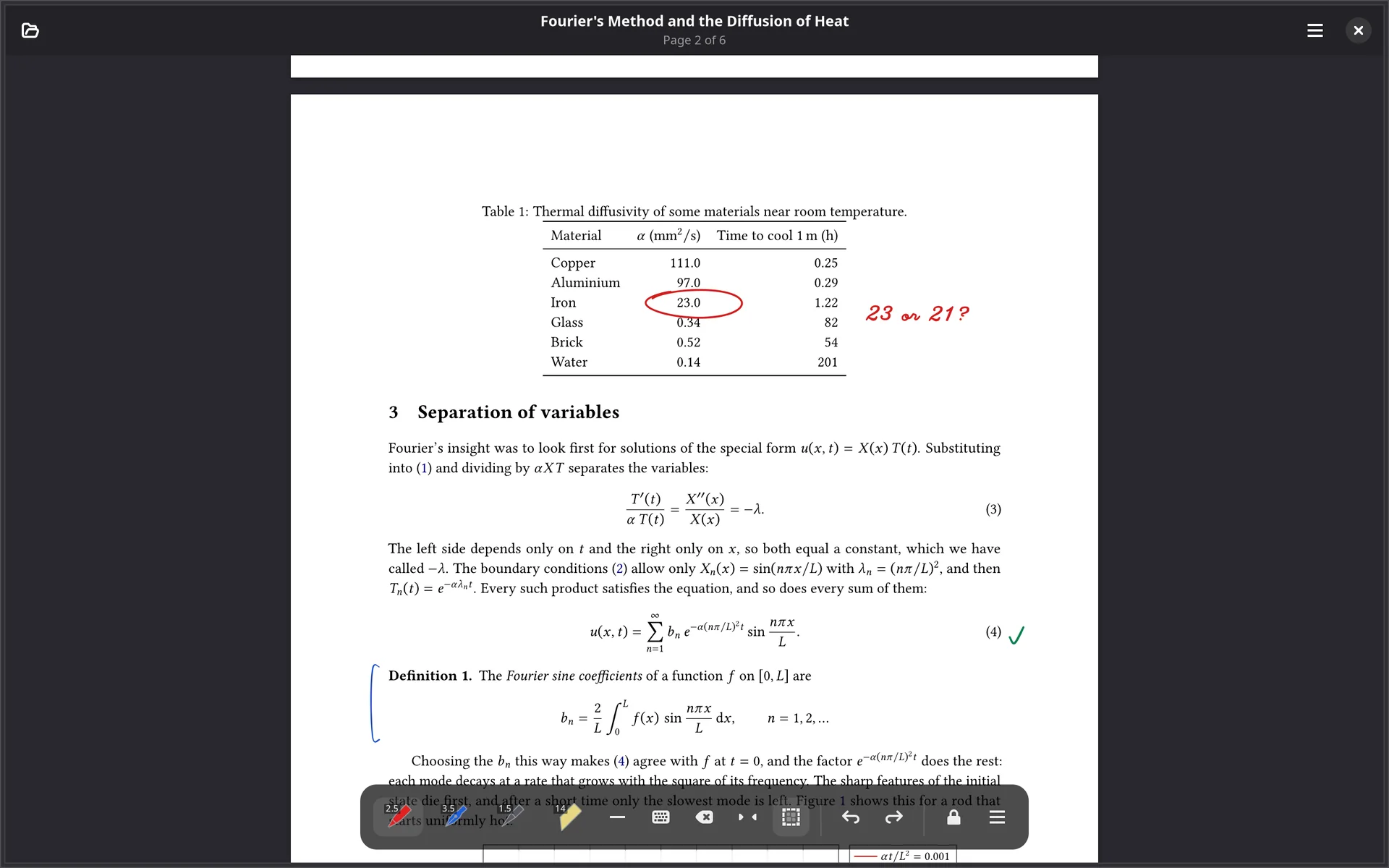
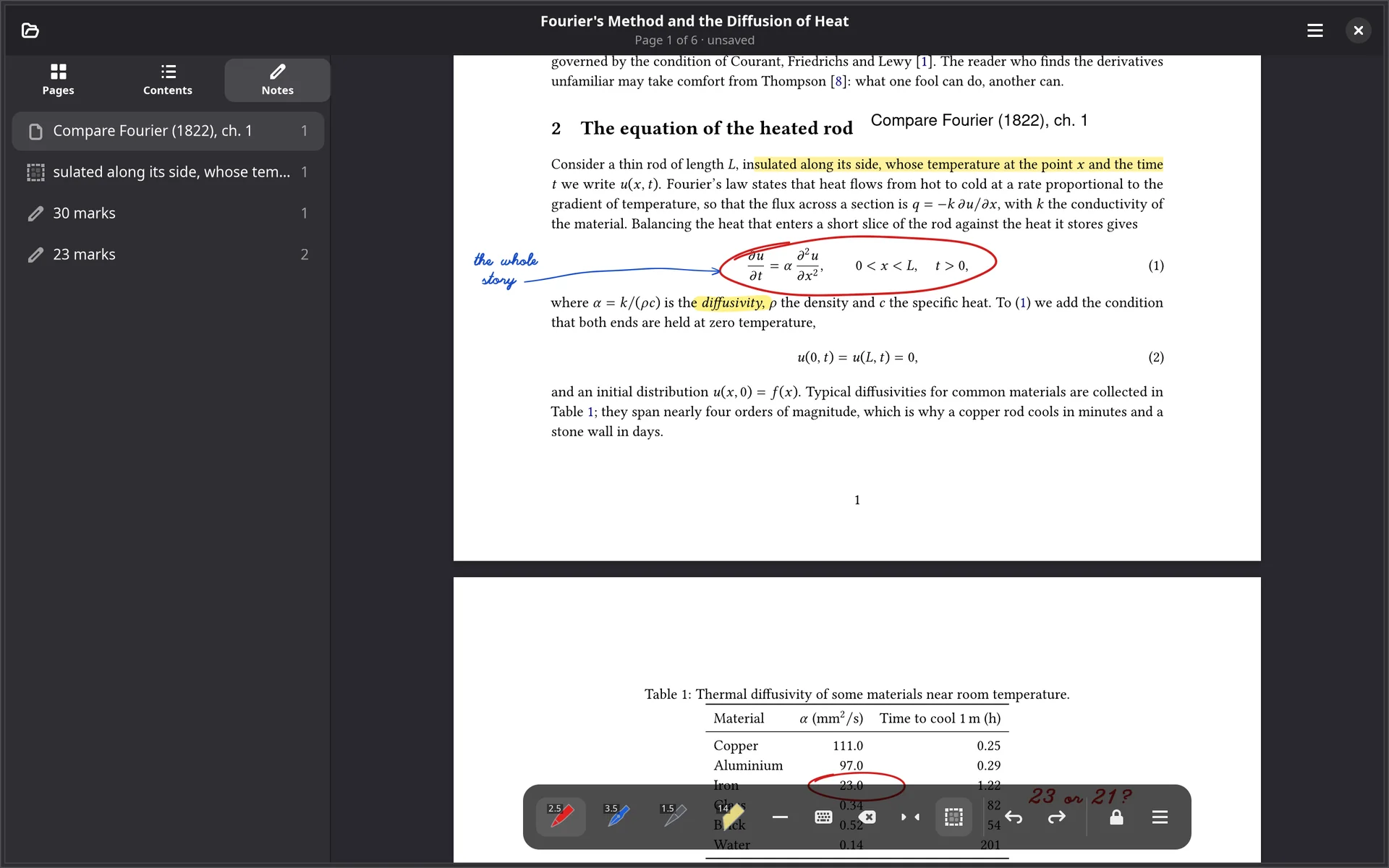
Typed notes, and a list of everything
Press a, tap the page and type. The note takes the colour of the pen in hand
and is saved as a /FreeText with its own appearance, so it looks the same in
every reader. Tap it again to change it; empty it to delete it.
The sidebar’s Notes tab lists every note, highlight and mark in the document, page by page, and clicking one goes there.
A note is set in one of the fourteen fonts every PDF reader has, so nothing
is embedded. The text of a note in Devanagari or Chinese is kept, but the picture drawn
into the page shows ? until embedded fonts arrive.
Never lose ink
- Undo and redo for every kind of mark, and for page changes too.
- Crash recovery: unsaved ink is kept aside and offered back the next time the document opens.
- A question before anything would discard ink: opening another file, going to the library, switching modes.
- Retroactive palm rejection, and a touch mode that decides what a finger does: draw, gesture only, or nothing.
| b / x | Pen / eraser |
| g / l | Shape / lasso |
| s / a | Select text / type a note |
| Ctrl+Shift+H | Highlight the selection |
| Ctrl+Z / Ctrl+Shift+Z | Undo / redo |
| Ctrl+S / Ctrl+Shift+S | Save / save a copy |
| Ctrl+M | Cycle the touch mode |
| Ctrl+Shift+M | Switch reading / annotating |
Every shortcut with a modifier can be changed in Preferences.
How a stroke is stored
Each stroke is written three ways at once, because no single one does the whole job. A basic viewer gets a sensible line, a conforming viewer draws the exact outline, and Sulekha gets back the samples the stylus delivered.
Saving in place appends only what changed, so it costs what the edit cost rather than what the document weighs.
/InkList | The centreline |
/AP /N | The variable-width outline, as drawn |
/Sulekha_Data | Raw pressure samples, for lossless editing |
/BM /Multiply | Highlighters behind the text, in every reader |
Ink, typed notes and highlights come with a licence. Undo and saving are never withdrawn, so ink drawn during the trial can always be undone and written out.